Free troll games and tricky traps: try Oops Arena
The job looks simple: walk to the door. Trap games test your observation as much as your reflexes. Here is what to expect in Oops Arena and how to start without a download.
Play free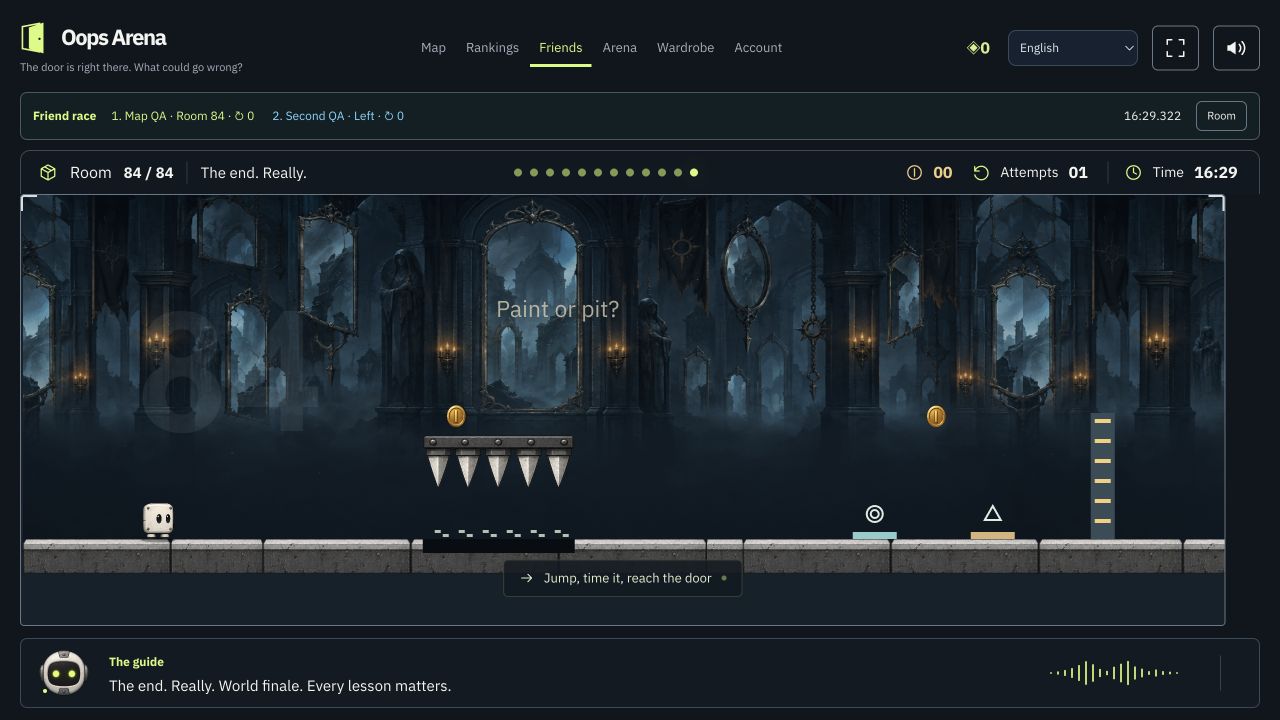
What makes a troll platformer tricky?
A troll game asks you to question the obvious route. In Oops Arena, an exit may move as you approach, or a safe-looking floor may change after a retry. Constantly moving faster is not the answer. Notice what happened just before the defeat, then change one part of your approach.
Looking for games like Level Devil?
Oops Arena may suit you if you enjoy platformers that hide surprises behind a short route and a visible door. It is an independent game, not a Level Devil release, and is not affiliated with its developer. You get 96 stages across eight worlds, plus online races and a circle arena with different rules.
How to move and jump
On desktop, use the arrow keys or A and D to move, and Space to jump. Hold Shift to walk backwards; press Down or S to enter a marked pipe. Esc pauses solo play. On mobile, use the movement and jump buttons beside the play area.
Three habits for difficult stages
Watch a saw complete its cycle before jumping. After a defeat, compare the door and floor with your previous attempt. When an ending looks easy, check your route before rushing. If stuck, read the hint and test one idea at a time; changing every movement makes it harder to learn what worked.
Can I challenge my friends online?
Yes. Open Friends, choose a race mode and select two or four players. Create a room and share its code. Players mark themselves ready, then the host starts. Faster finish times rank first, with fewer retries breaking ties. These modes need an internet connection.
Do I need a download or an ad?
Play directly in a mobile or desktop browser. You do not have to watch an ad to enter stages or win. Guest progress stays on that device; an account enables syncing. The game interface is available in Arabic and English, selectable in the game settings.
The game supports Arabic and English, chosen from your device settings and changeable in-game. This website is available in six languages.